Meanwhile, on the outer screen...
One page, pocket size.
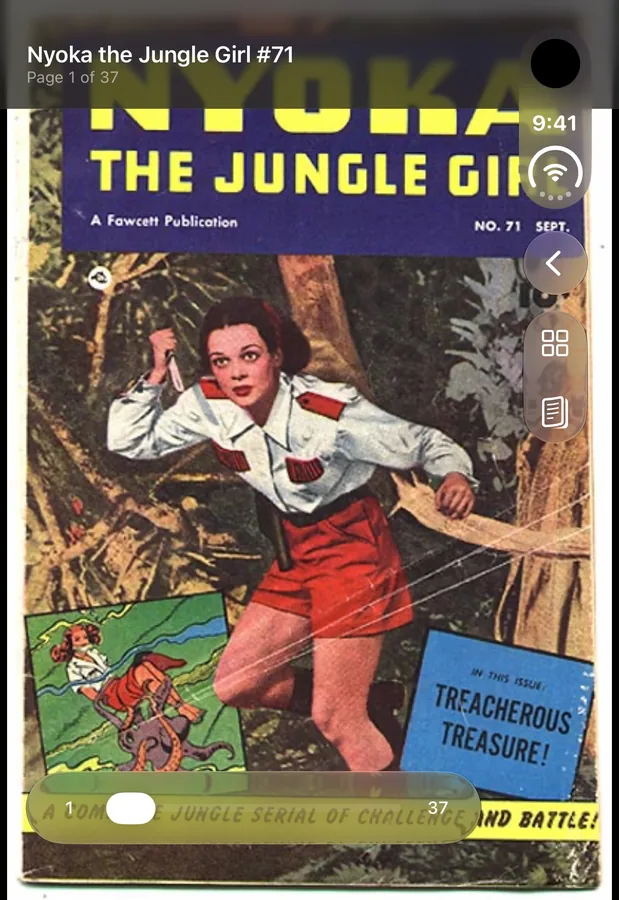
Closed, Unfolio fits a single page to the outer display. Drag the page slider to jump anywhere in the issue, from the cover to the last ad.
 Unfolio

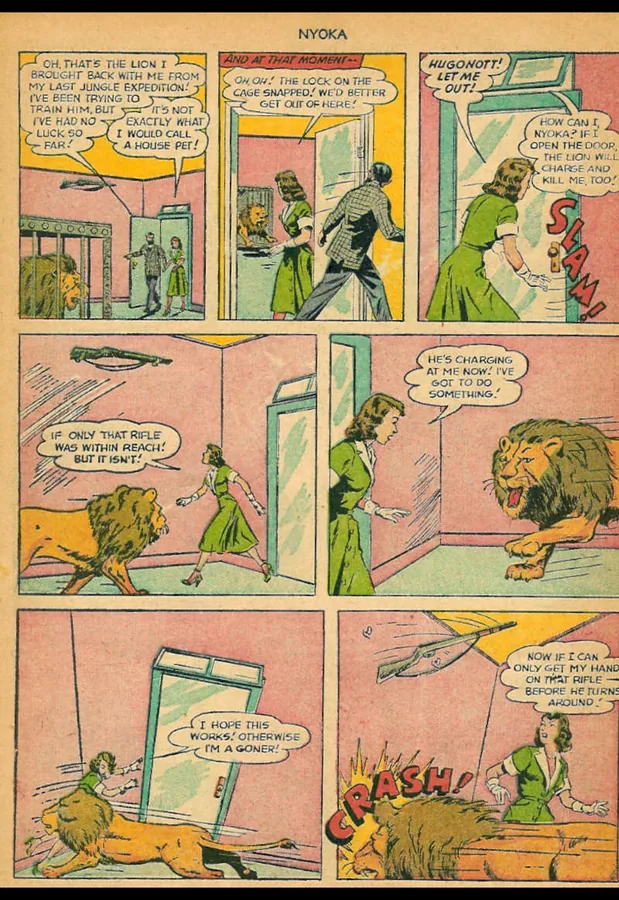
Folded, Unfolio shows one page on the outer screen. Unfold, and the full two-page spread is waiting on the inner display. Your comics stay on your phone, and so does everything else.
Closed, Unfolio fits a single page to the outer display. Drag the page slider to jump anywhere in the issue, from the cover to the last ad.
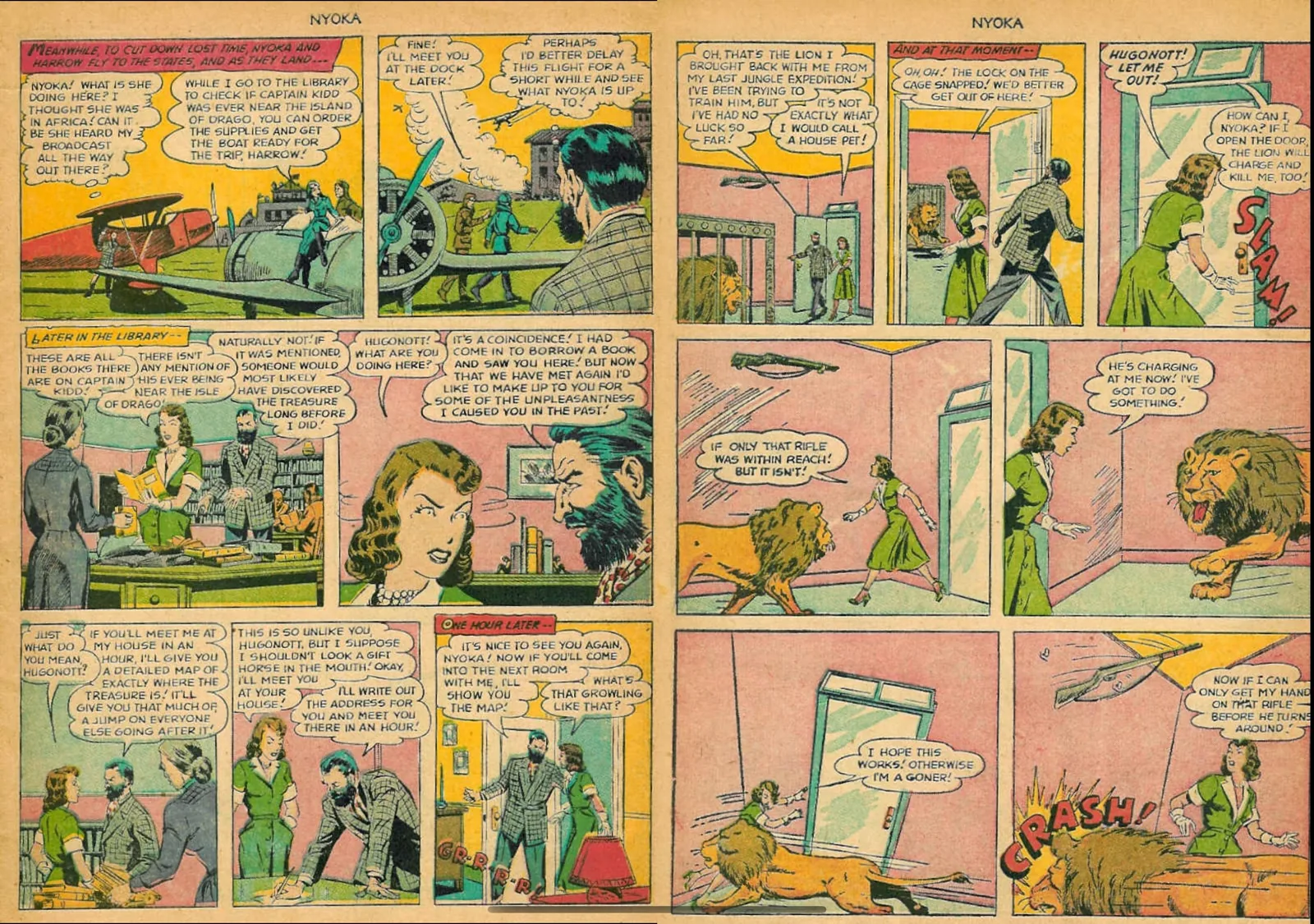
Open the phone and facing pages sit side by side on the 7.6-inch inner screen. A fight that runs across two pages reads as one scene again.
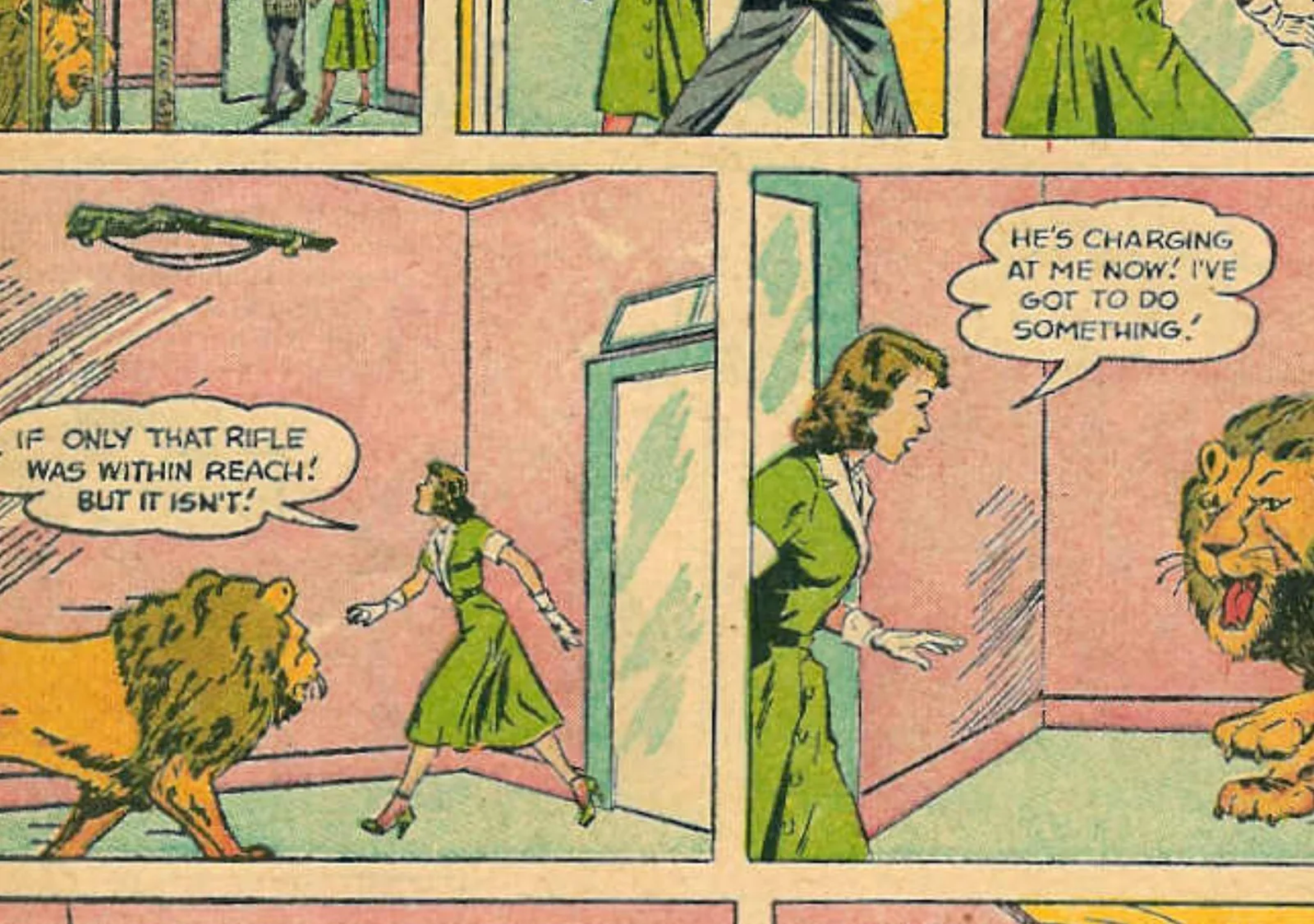
Zoom in until the smallest hand lettering on an old scan is easy to read, then pan across the page.
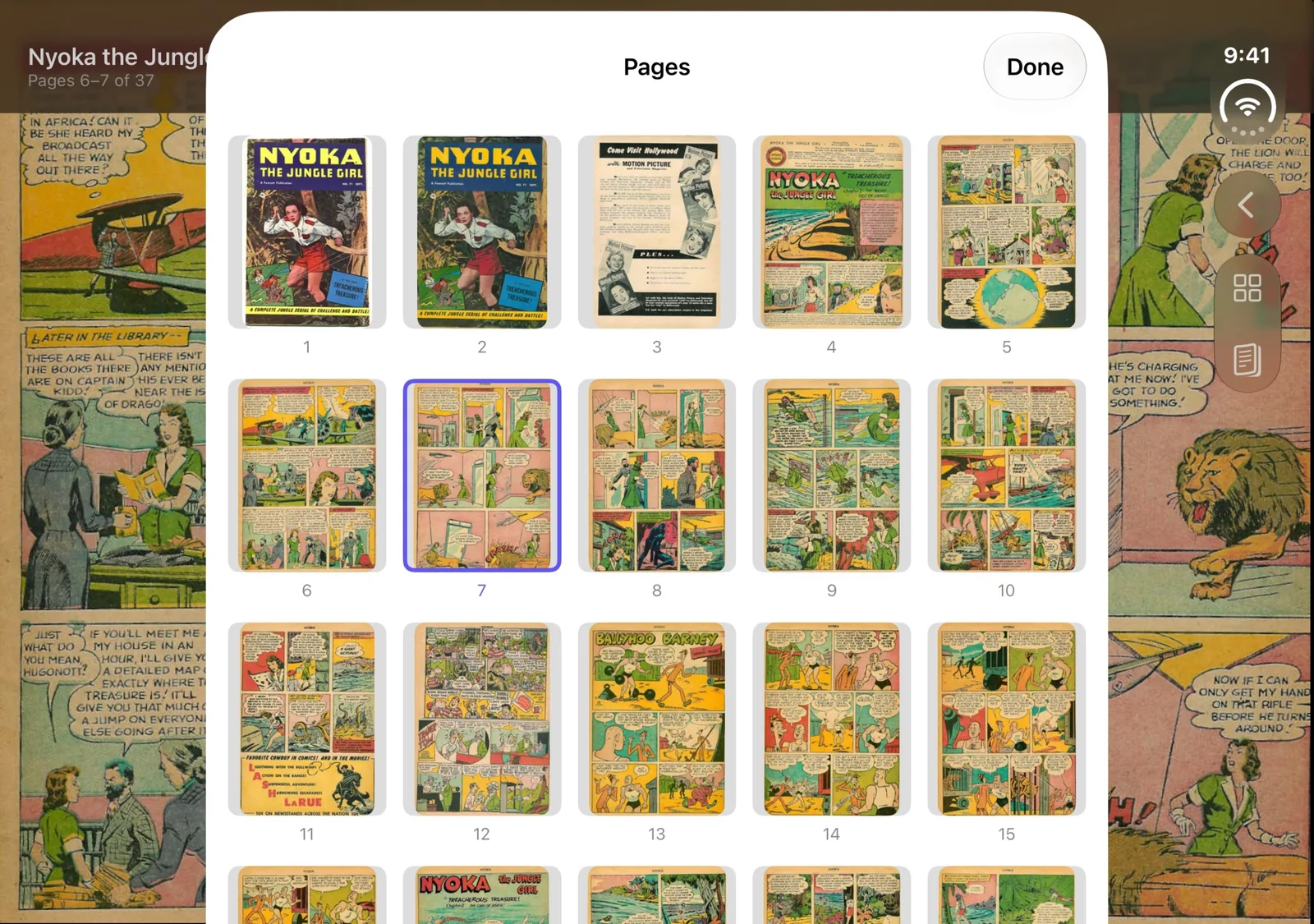
Tap the grid button to lay out the issue as thumbnails. The page you are on is marked, and one tap takes you anywhere else.
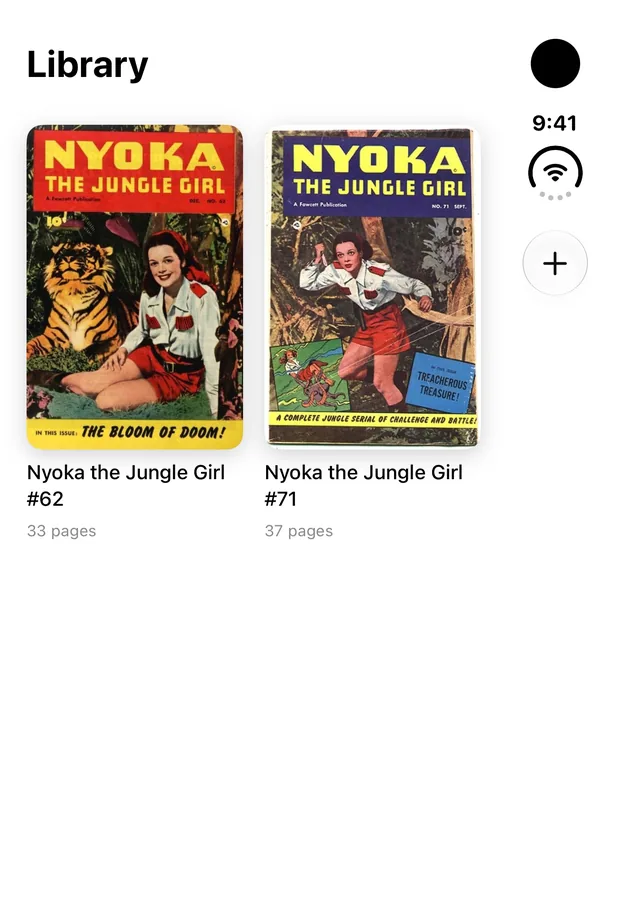
Add comics from the Files app, or share them into Unfolio from any app that can send a file. Each issue shows its cover and page count.
Unfolio runs entirely on your iPhone. It has no servers to send anything to, so it sends nothing. There is no sign-up, no analytics and no advertising.

Unfolio is in the final stretch. Watch this page for the launch.